Descripción
ProTear Touch DAS2 — Data Acquisition Software
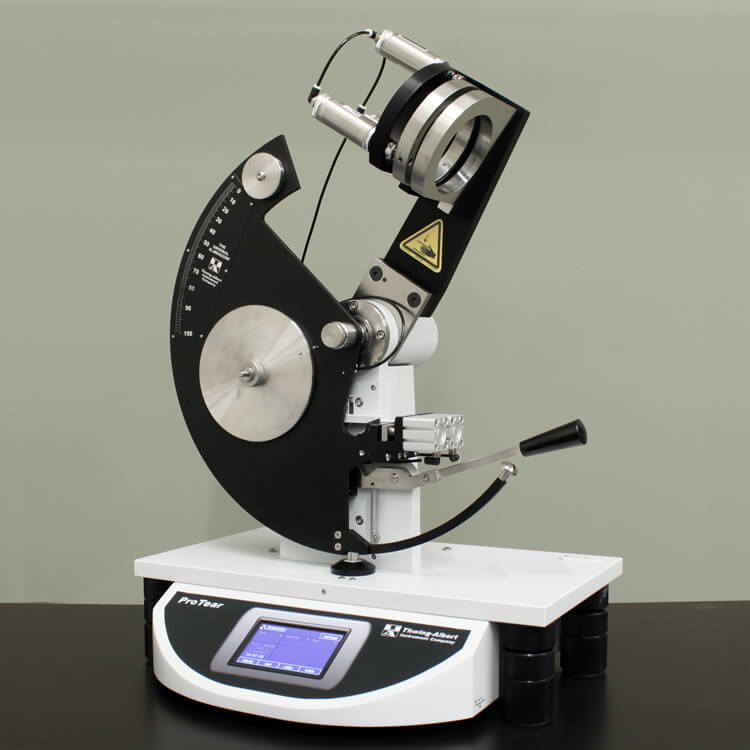
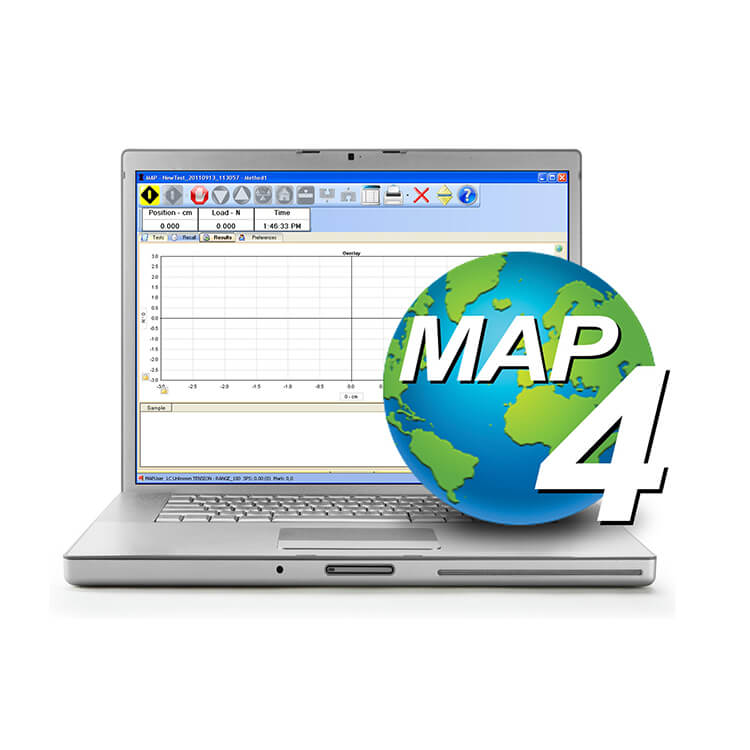
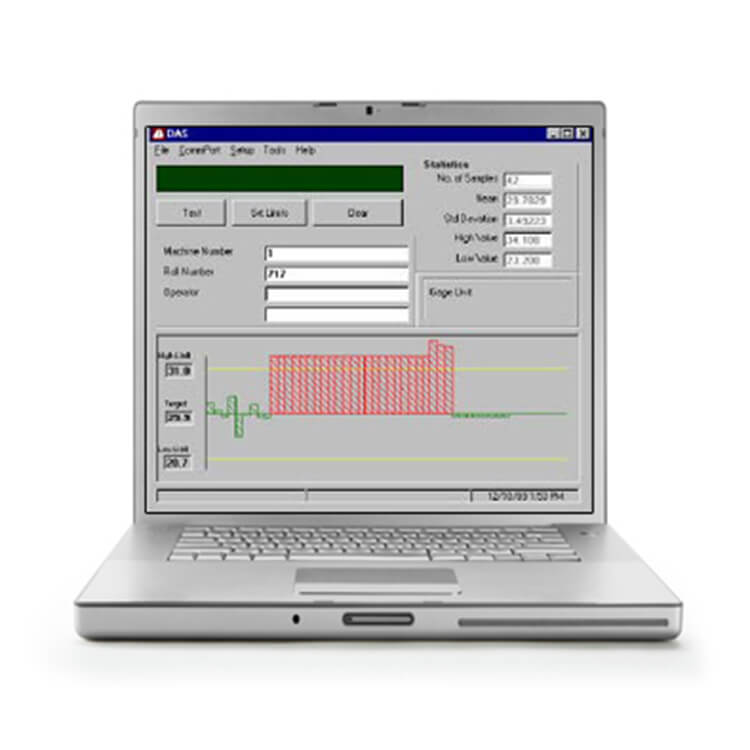
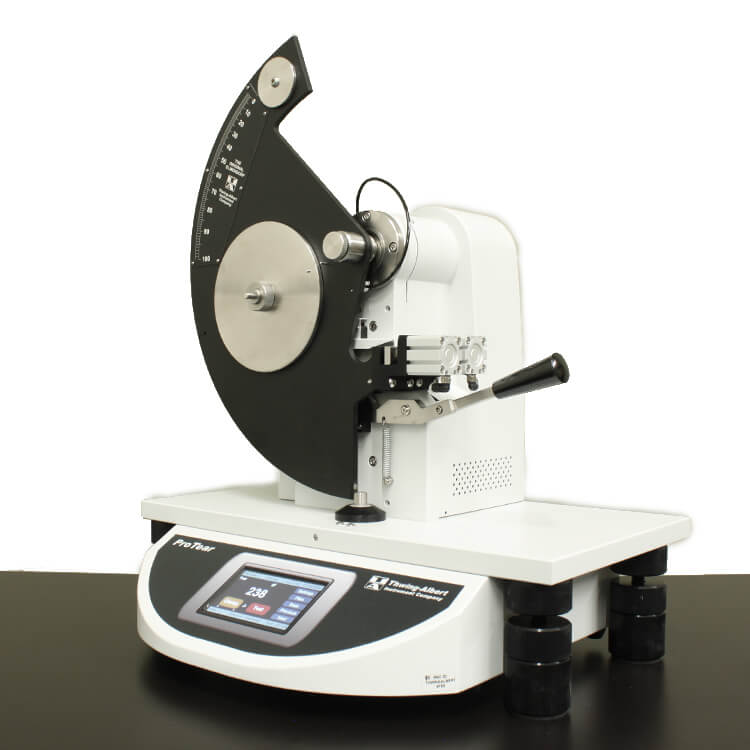
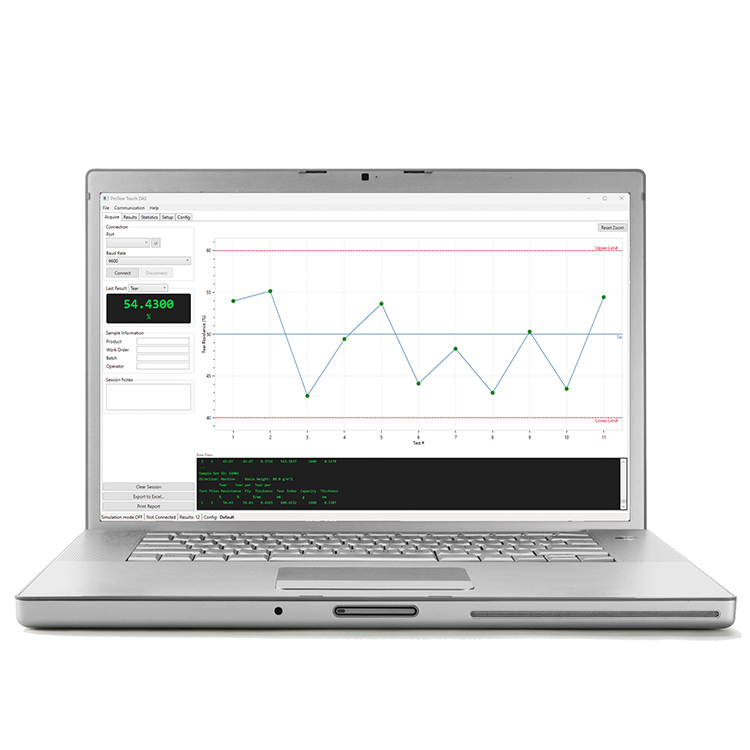
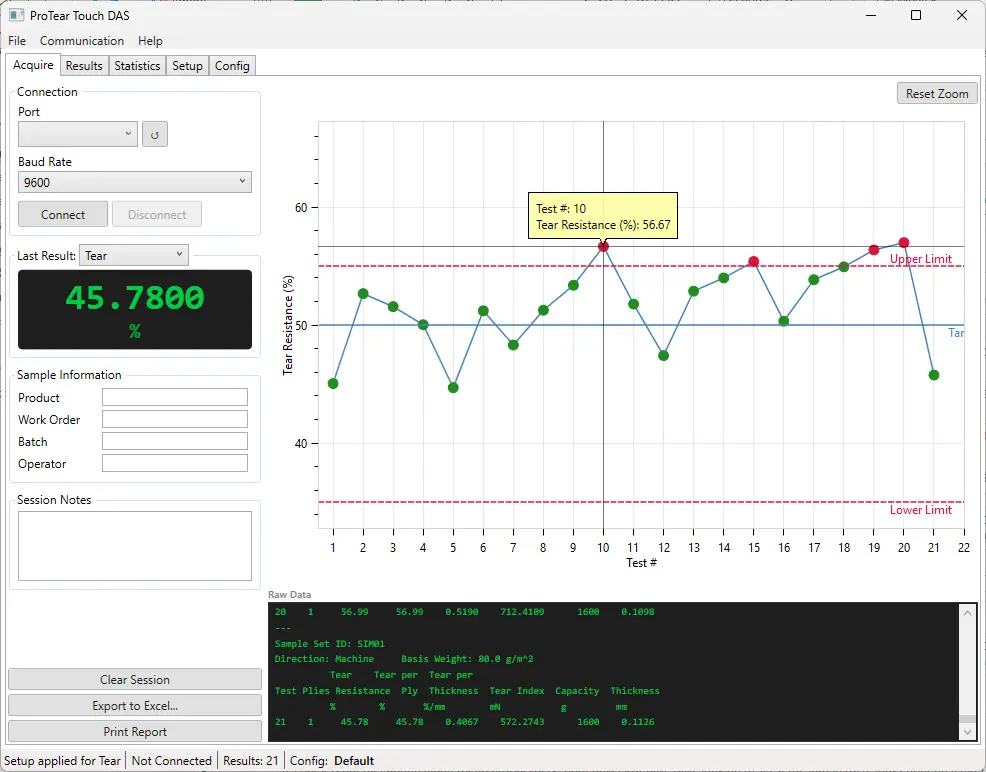
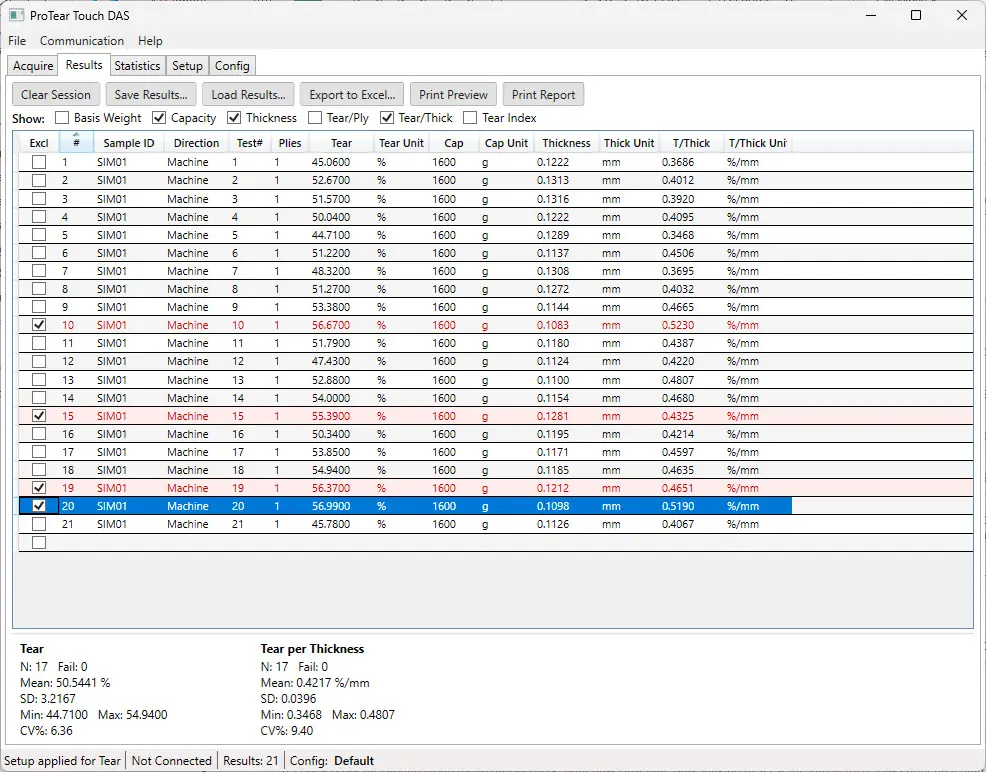
ProTear DAS2 is Windows-based data acquisition software for the Thwing-Albert ProTear Touch Elmendorf tear tester. It provides laboratory technicians with a complete tear-test management solution — capturing each sample set automatically via serial connection, displaying data in real time, evaluating results against configurable limits, calculating statistics, and generating professional reports.
Compatible Instruments
| Instrument | Compatibility |
|---|---|
|
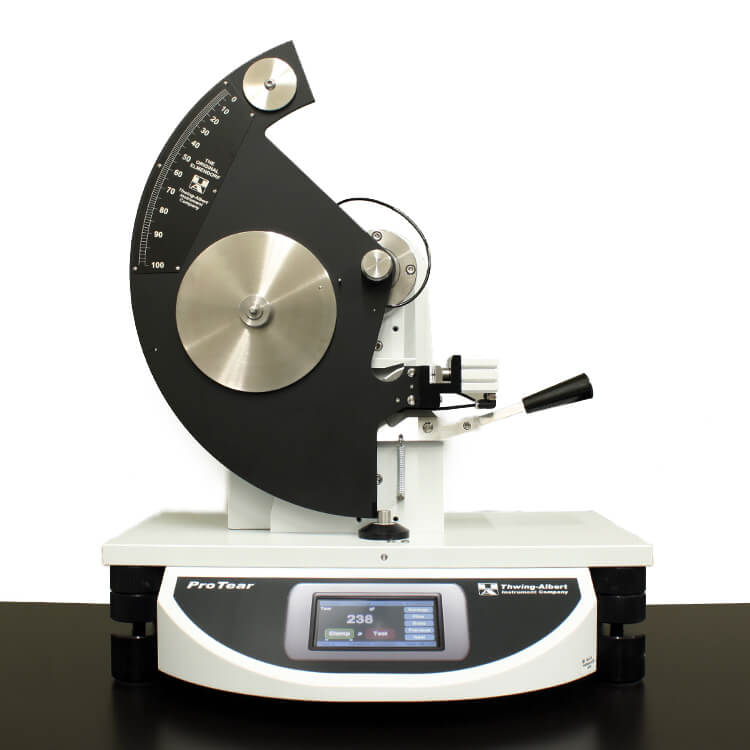
ProTear Touch Elmendorf Tear Tester
|
Fully supported |
|
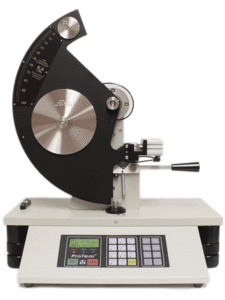
ProTear Elmendorf Tear Tester
|
Not supported ProTear DAS |
Key Features
- Real-time data acquisition via serial connection to the ProTear Touch tester
- Automatic recognition of every result the tester sends — Tear Resistance, Tear per Ply, Tear per Thickness, and Tear Index — along with direction (Machine, Cross-Machine, Radial), basis weight, thickness, and capacity
- Supports all tester units: %, g, mN, N, and lbf for tear results; mil and mm for thickness
- Live measurement chart with pass/fail color coding, target line, limit lines, and automatic scaling centered on target
- Independent target, upper and lower limits, and valid range for each result type, with automatic pass/fail determination and popup, audible, and status-bar warnings
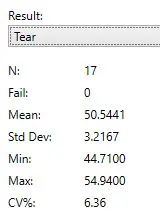
- Complete statistical analysis for every result type, including Count, Fail Count, Mean, Standard Deviation, Minimum, Maximum, and Coefficient of Variation (CV%)
- Exclude individual readings with one click — chart and statistics update instantly while excluded results remain visible on reports for a complete record
- Show or hide result columns to match your test method; exports and reports follow your selection
- Configuration change warning alerts operators if tester settings change partway through a session
- Save results to a file and recall them later to continue adding test data or for reference
- Microsoft Excel export with results, statistics, session notes, and chart
- Printed reports and on-screen print preview with chart, statistics, and full results table, plus optional automatic printing after a set number of results
- User-defined labels and report headers to customize the desktop view and reports
- Named configuration profiles — save and recall complete setup settings for different products or test specifications, with a default loaded at startup
- Simulation Mode for demonstrations and operator training without a connected device
- 30-day trial period available
Statistics Calculated
| Statistics |
|---|
| Count |
| Fail Count |
| Mean |
| Standard Deviation |
| Minimum |
| Maximum |
| Coefficient of Variation (CV%) |
System Requirements
| Specification | Requirement |
|---|---|
| Part Number | 60-DAS-V2 |
| Version | 2.0 |
| Instrument Model | ProTear Touch |
| Operating System | Windows 10 or Windows 11 (64-bit) |
| Runtime | .NET 8 Desktop Runtime |
| Memory | 4 GB RAM minimum — 8 GB recommended |
| Storage | 100 MB available disk space |
| Connection | USB or RS-232 serial COM port |
| License | Single installation — perpetual license |
| Trial Period | 30-day trial period available |
Compatible with Thwing-Albert ProTear Touch Elmendorf tear testers. For earlier ProTear models, see ProTear DAS. Serial cable sold separately. License includes one installation. Contact Thwing-Albert Instrument Company for volume licensing options.